Releases
The latest updates and features for Scribular
v1.5.10 - 🎛️ Model Selection
July 29, 2026
Model Selection
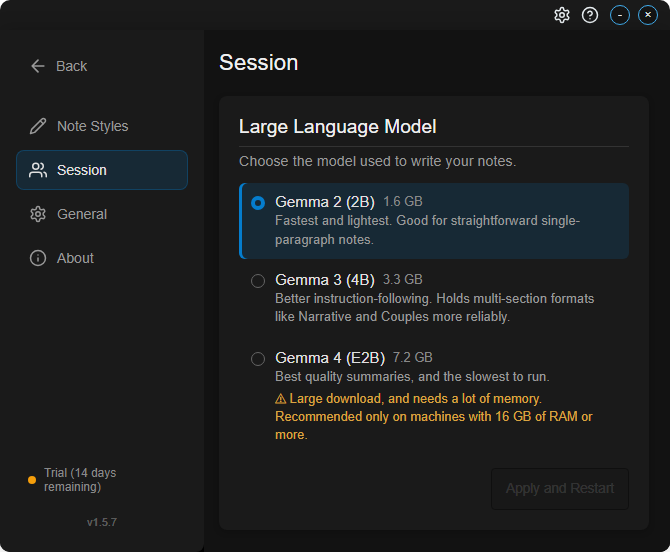
- Choose which local AI model writes your notes, in Settings → Session
- Three options: Gemma 2 (2B) for speed, Gemma 3 (4B) for more reliable multi-section notes, and Gemma 4 (E2B) for the best quality
- Each option shows its download size and whether it's already installed
- The recording view now shows which model will write your note
- Saved notes record which model wrote them
Bug Fixes
- Stop now only cancels the session you're viewing
- Cancelling session processing now sticks reliably
- Restored notes no longer show the wrong model after stopping a rewrite
v1.5.7 - 🔧 Multi-Speaker Fixes
April 8, 2026
Multi-Speaker Improvements
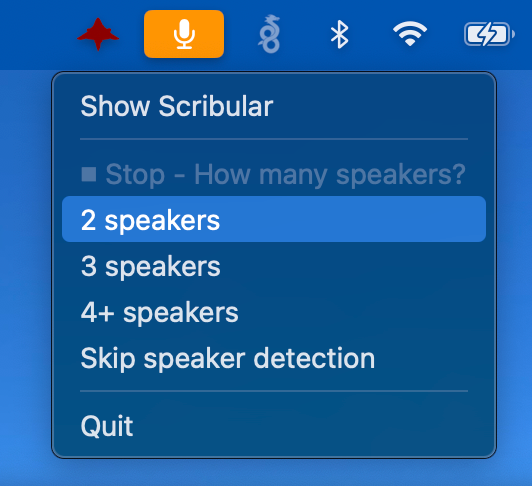
- Tray menu now shows a speaker count submenu when stopping a multi-speaker recording — no more blocking dialog that prevented back-to-back sessions
- Fixed a bug where the Start button stayed disabled after finishing a multi-speaker session, blocking the next recording
Bug Fixes
- App loads faster on startup
v1.5.5 - 🔧 Reliability & Performance
April 8, 2026
Bug Fixes
- Fixed issue where opening an existing session could overwrite its notes
- Fixed speaker count in multi-speaker (telehealth) mode showing too many speakers
Performance
- Faster app startup and window loading
v1.5.4 - 🎙️ Speaker Identification
March 28, 2026
Speaker Identification
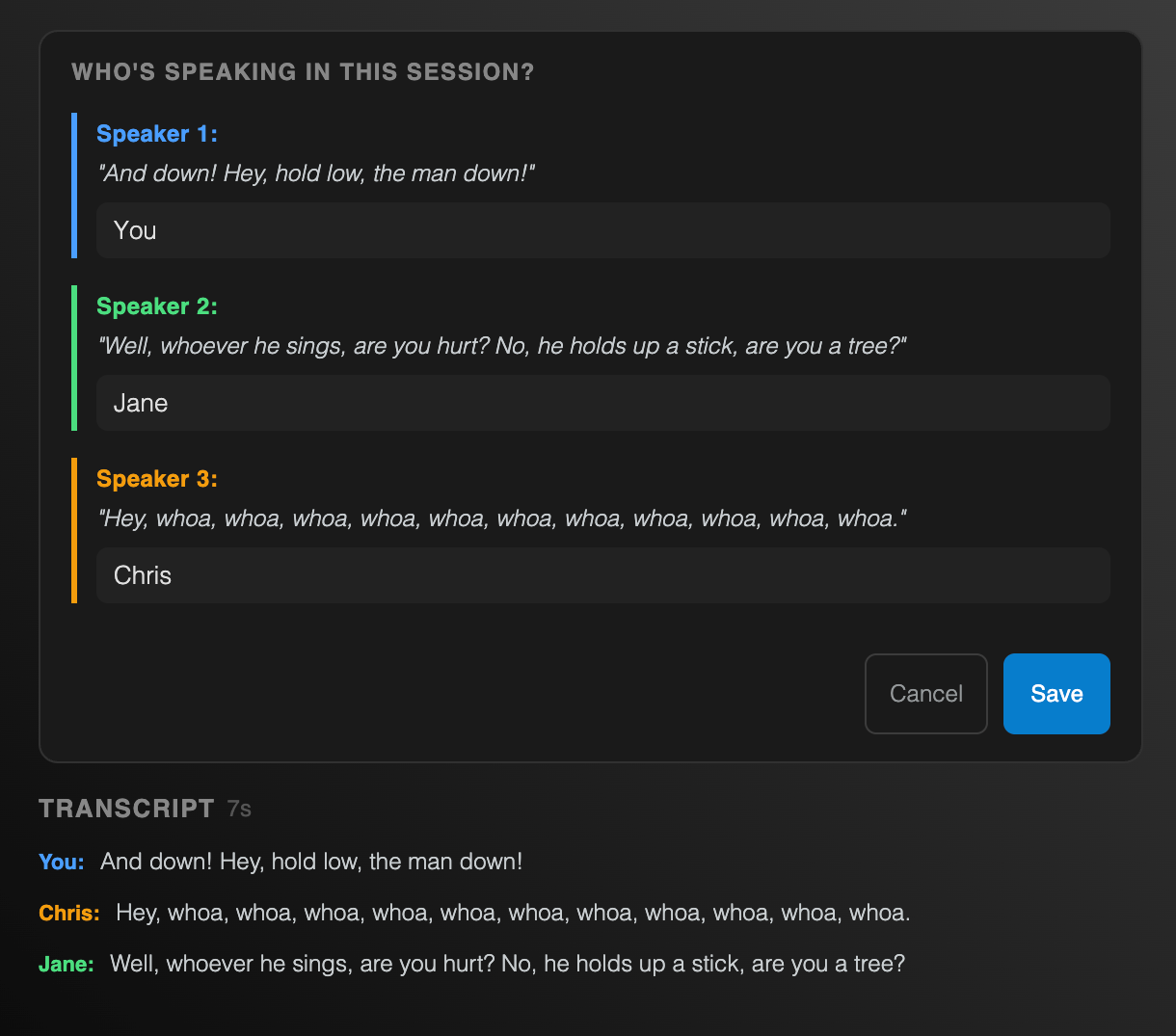
- Transcripts now show color-coded labels identifying who said what
- Name each speaker (e.g., "Therapist" / "Client") after a session
- Speaker labels can be added retroactively even after skipping during recording
Bug Fixes
- Fixed transcript fragments appearing in Ollama session summaries
v1.5.3 - 🎨 Custom Note Styles
March 24, 2026
Custom Note Styles
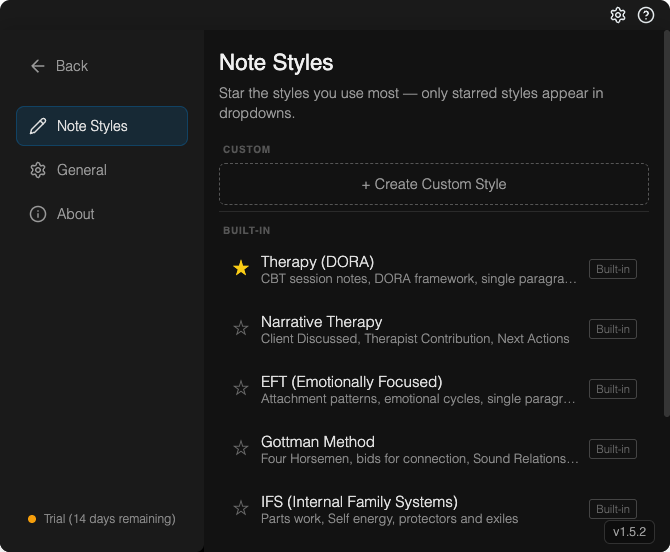
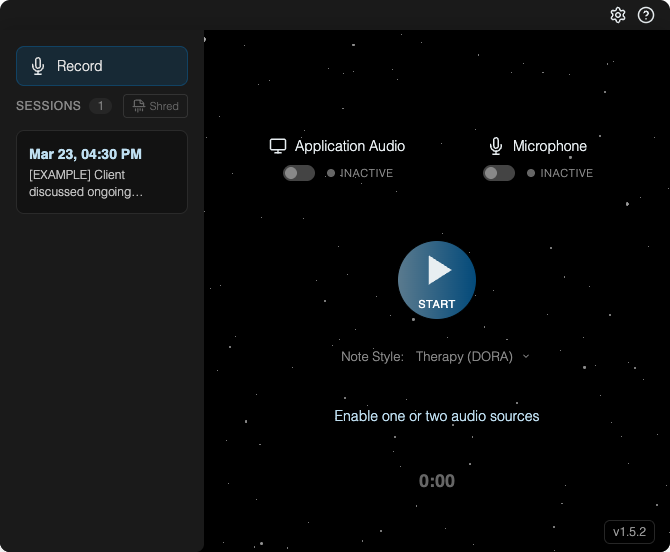
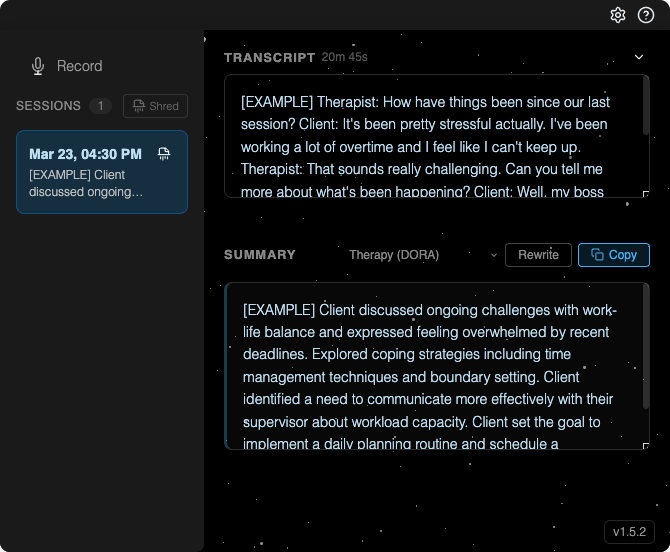
- Create and switch between multiple note styles — therapy/DORA, legal, general, or your own custom format
- New editor lets you customize the AI prompt for each note style
Redesigned Settings
- Settings now has a sidebar for easier navigation between sections
Save Audio Recordings (Opt-in)
- Optionally save session audio to disk for later review — off by default
- Recordings are stored encrypted and automatically deleted after 7 days
Bug Fixes
- Fixed non-speech tokens occasionally appearing in transcripts
- Fixed rare crash when closing the app during an active recording
v1.5.2 - 🔧 Note Quality Fixes
March 18, 2026
Bug Fixes
- Fixed notes losing custom format requirements (verbatim quotes, multi-section layouts, specific styles) when processing longer recordings
- Fixed an error shown when checking for updates without an internet connection
v1.5.1 - 🎤 Recording Improvements
March 5, 2026
Recording Improvements
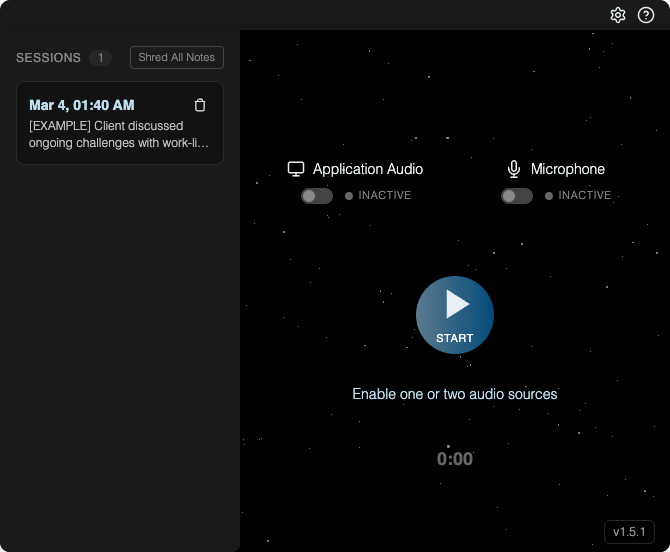
- Simplified selecting audio sources with click to enable/disable
- Recording now paused automatically
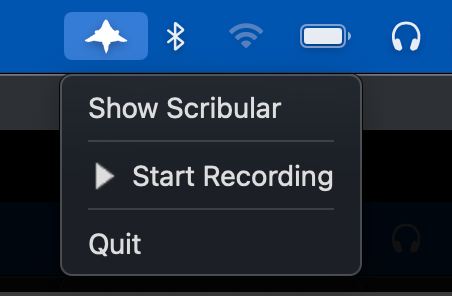
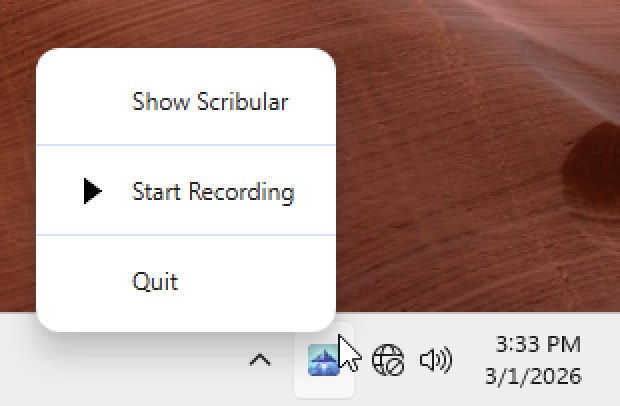
- New taskbar menu for starting/stopping recording
Simplified Onboarding
- Improved onboarding to walkthrough features in the app
New Settings for alerts and analytics
- Added optional alerts when summarization is complete
Privacy changes
- Telemetry is optional
v1.4.45 - 🚀 Launch
February 19, 2026